- TypeScript 93.9%
- Rust 3%
- CSS 2.3%
- JavaScript 0.6%
- HTML 0.1%
| .github/workflows | ||
| .vscode | ||
| cypress | ||
| media | ||
| public | ||
| src | ||
| src-tauri | ||
| .dockerignore | ||
| .env.example | ||
| .eslintrc.json | ||
| .gitignore | ||
| components.json | ||
| cypress.config.ts | ||
| docker-compose.local.yml | ||
| docker-compose.yml | ||
| Dockerfile | ||
| env-config.js.template | ||
| index.html | ||
| LICENSE.txt | ||
| nginx.conf.template | ||
| package.json | ||
| pnpm-lock.yaml | ||
| postcss.config.js | ||
| README.md | ||
| set-variables.sh | ||
| tailwind.config.js | ||
| tsconfig.json | ||
| tsconfig.node.json | ||
| vercel.json | ||
| vite.config.ts | ||


Aonsoku
A modern desktop client for Navidrome/Subsonic servers built with React and Rust.
Web App
·
Report Bug
·
Request Feature


Table of Contents
Features
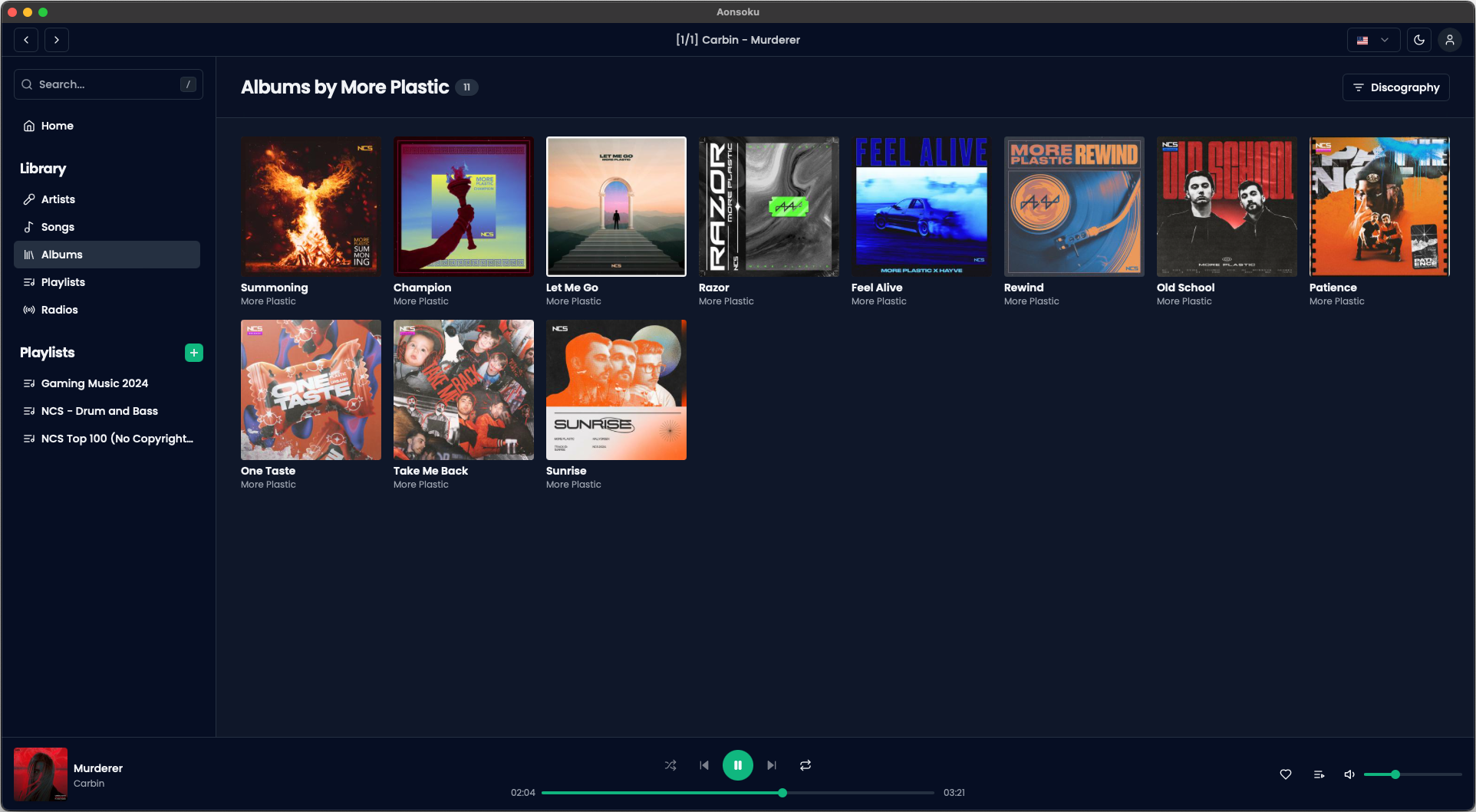
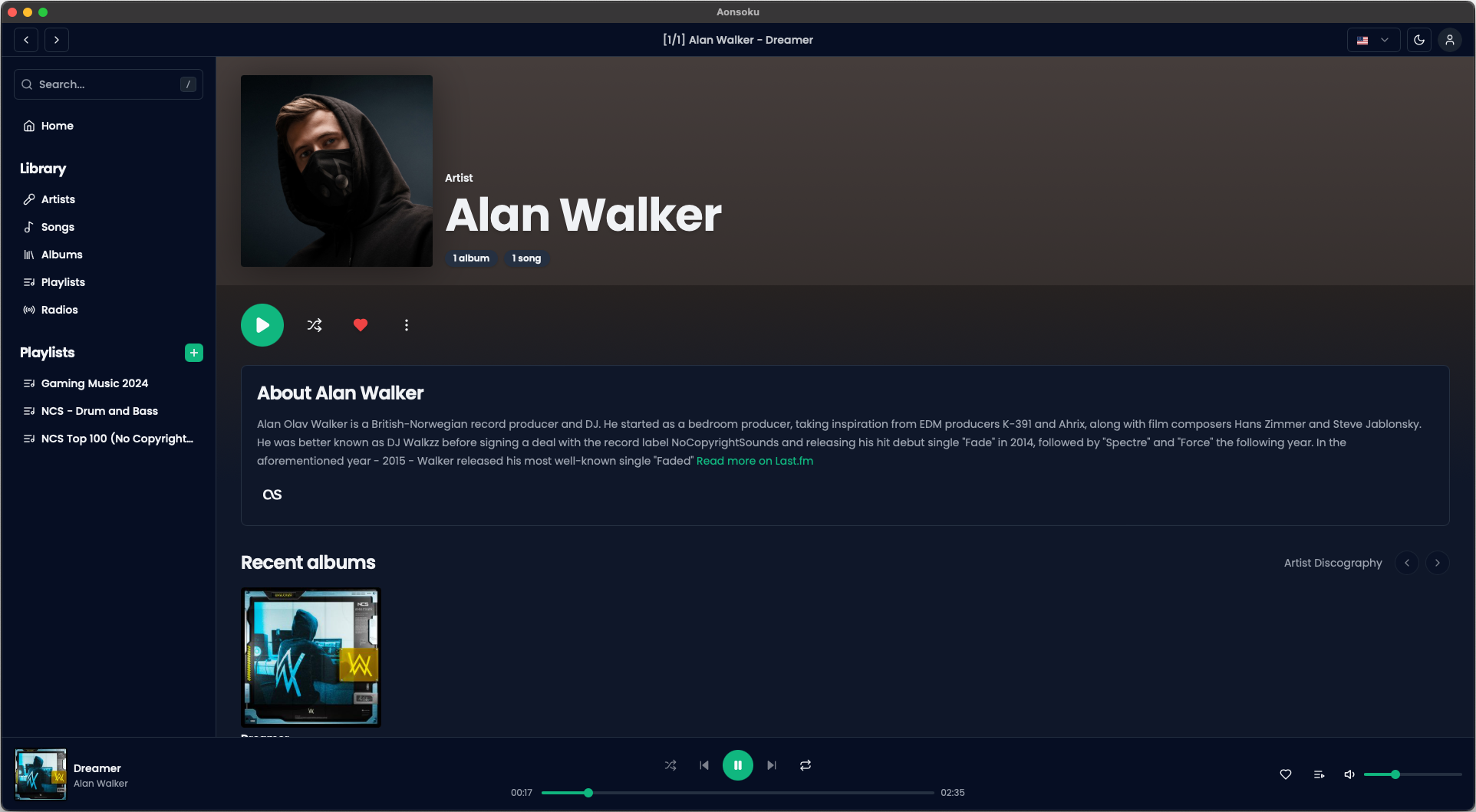
- Subsonic Integration: Aonsoku integrates with your Navidrome or Subsonic server, providing you with easy access to your music collection.
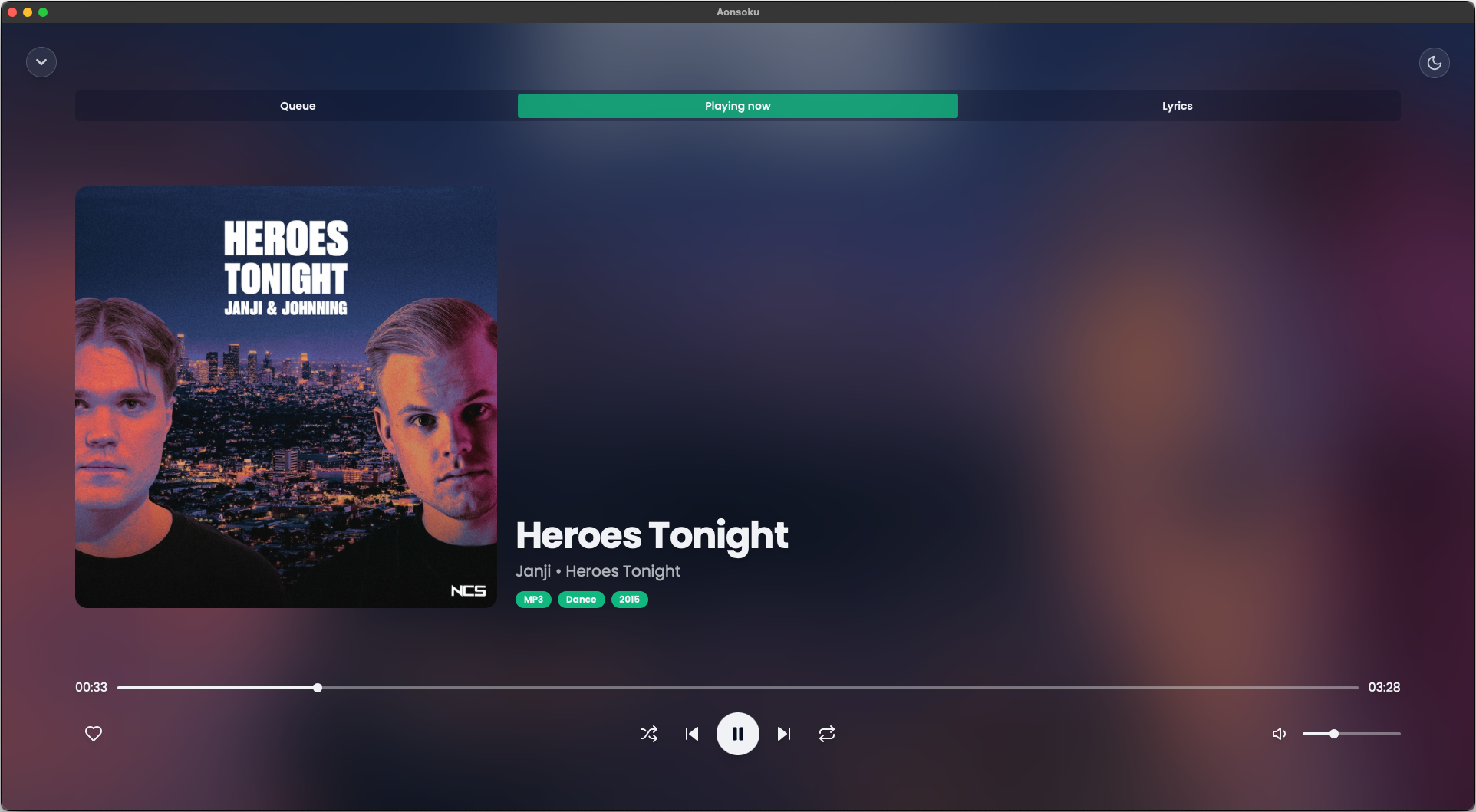
- Intuitive UI: Modern, clean and user-friendly interface designed to enhance your music listening experience.
- Podcast Support: With Aonsoku Podcasts you can easily access, manage, and listen to your favorites podcasts directly within the app. Enjoy advanced search options, customizable filters and seamless listening synchronization to enhance your podcast experience.
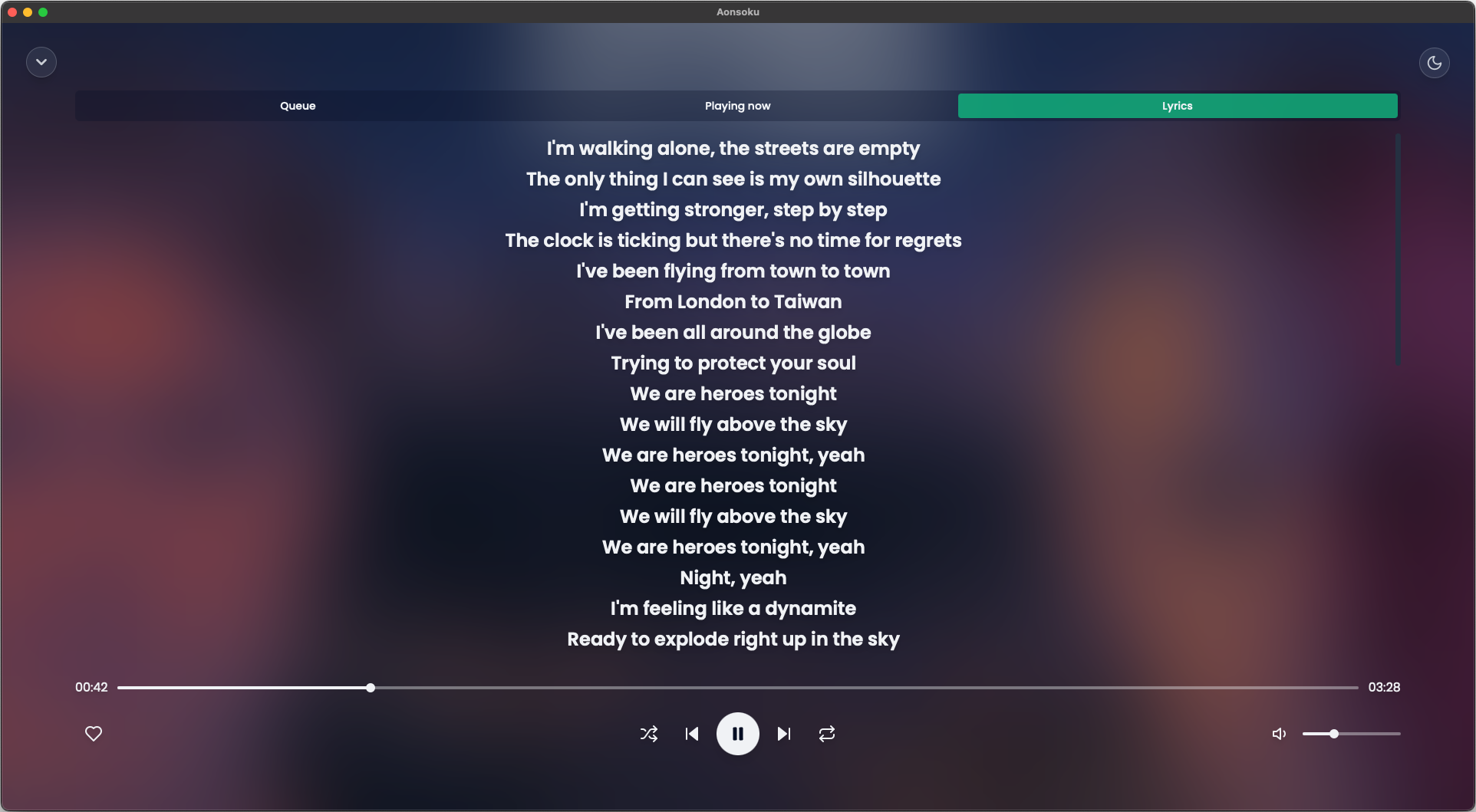
- Synchronized lyrics: Aonsoku will automatically find a synced lyric from LRCLIB if none is provided by the server.
- Unsynchronized lyrics: If your songs have embedded unsynchronized lyrics, Aonsoku is able to show them.
- Radio: If your server supports it, listen to radio shows directly within Aonsoku.
- Scrobble: Sync played songs with your server.
Screenshots
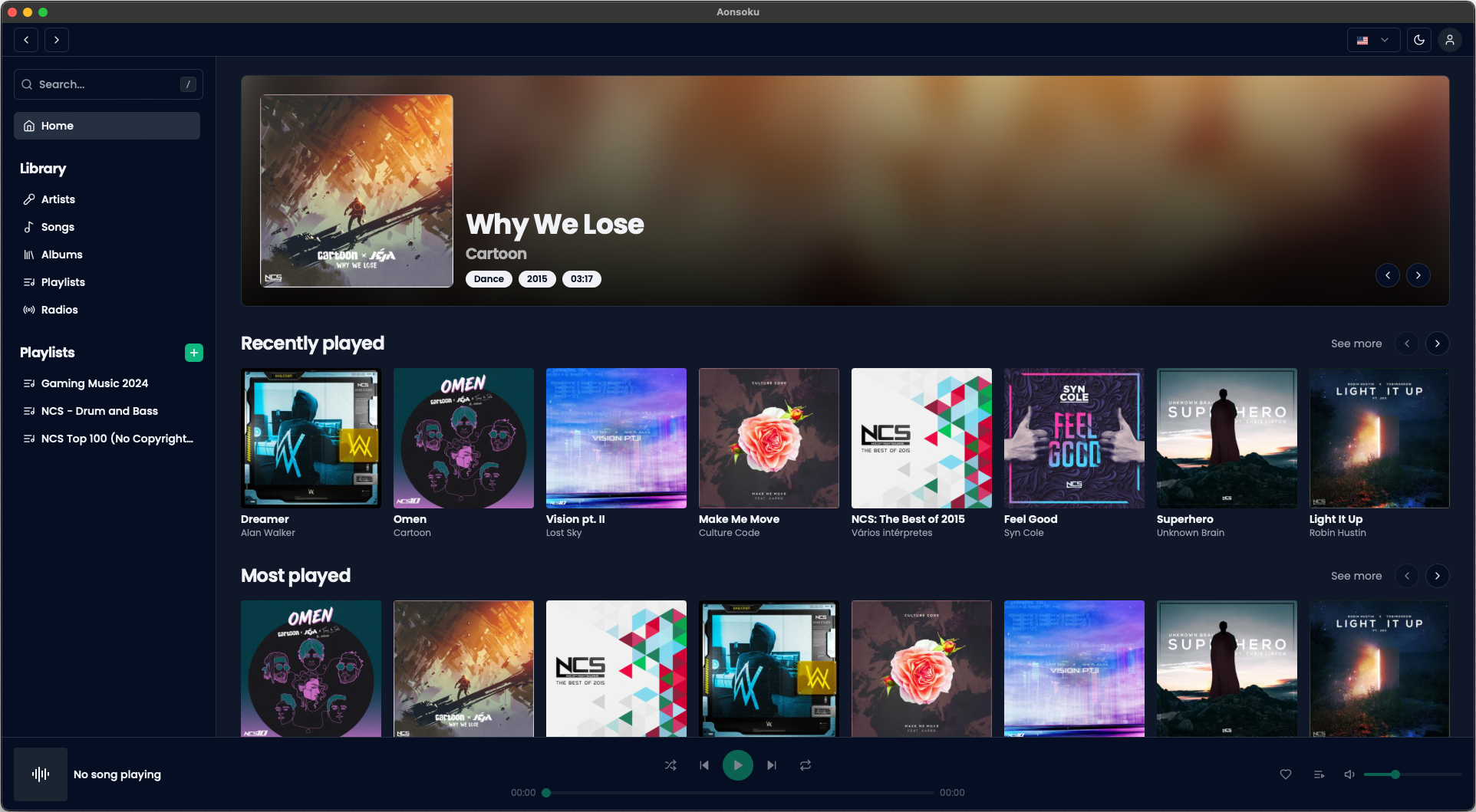
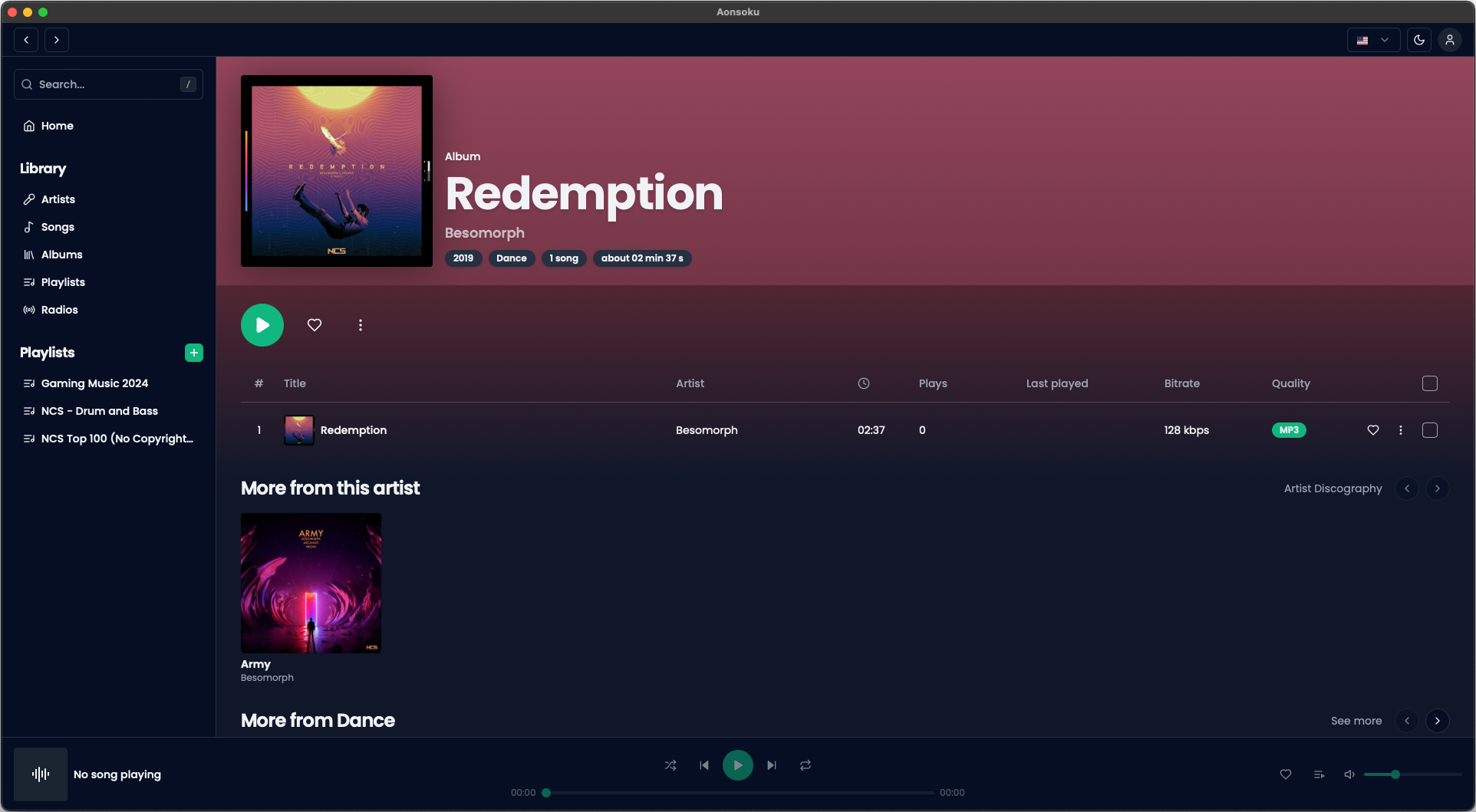
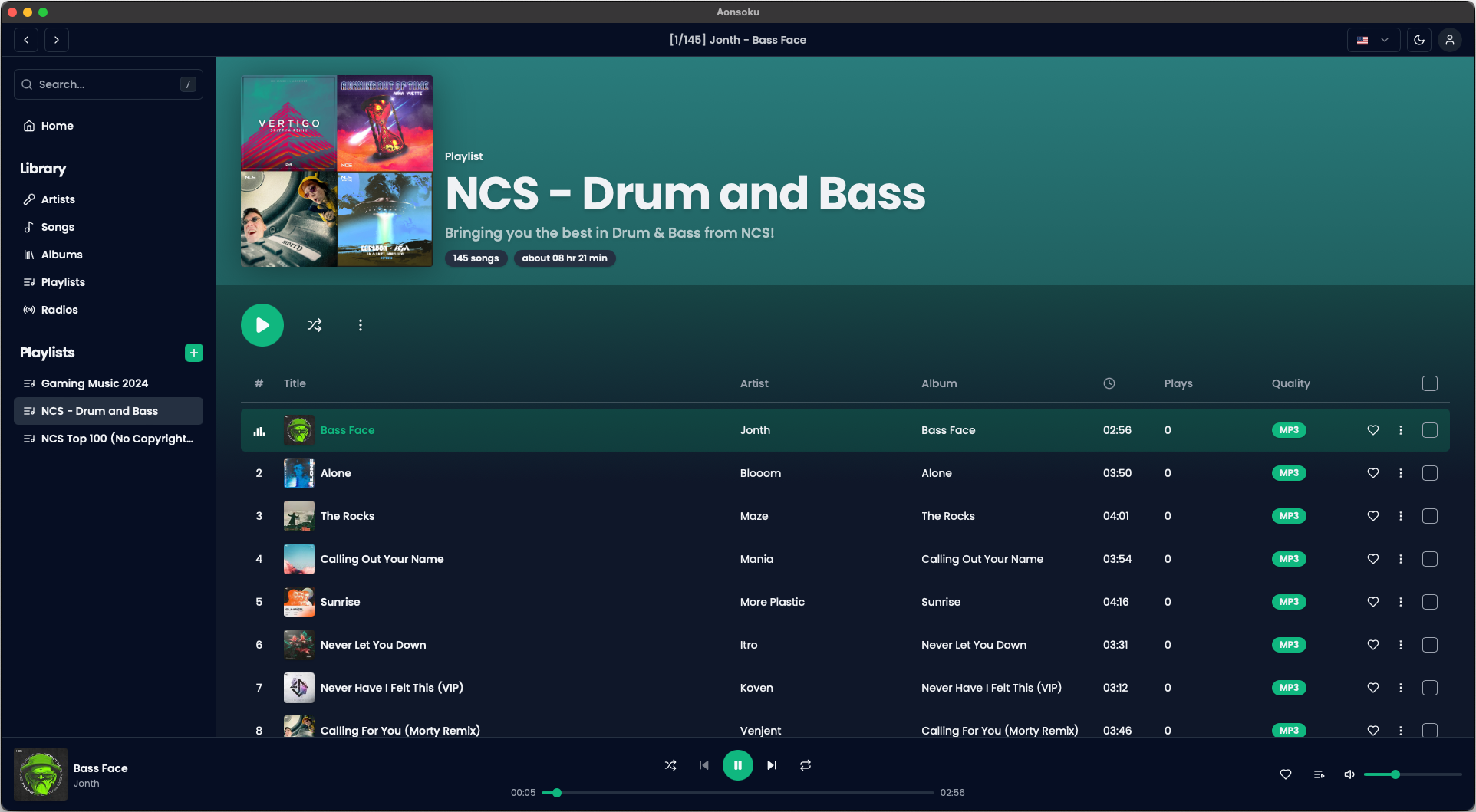
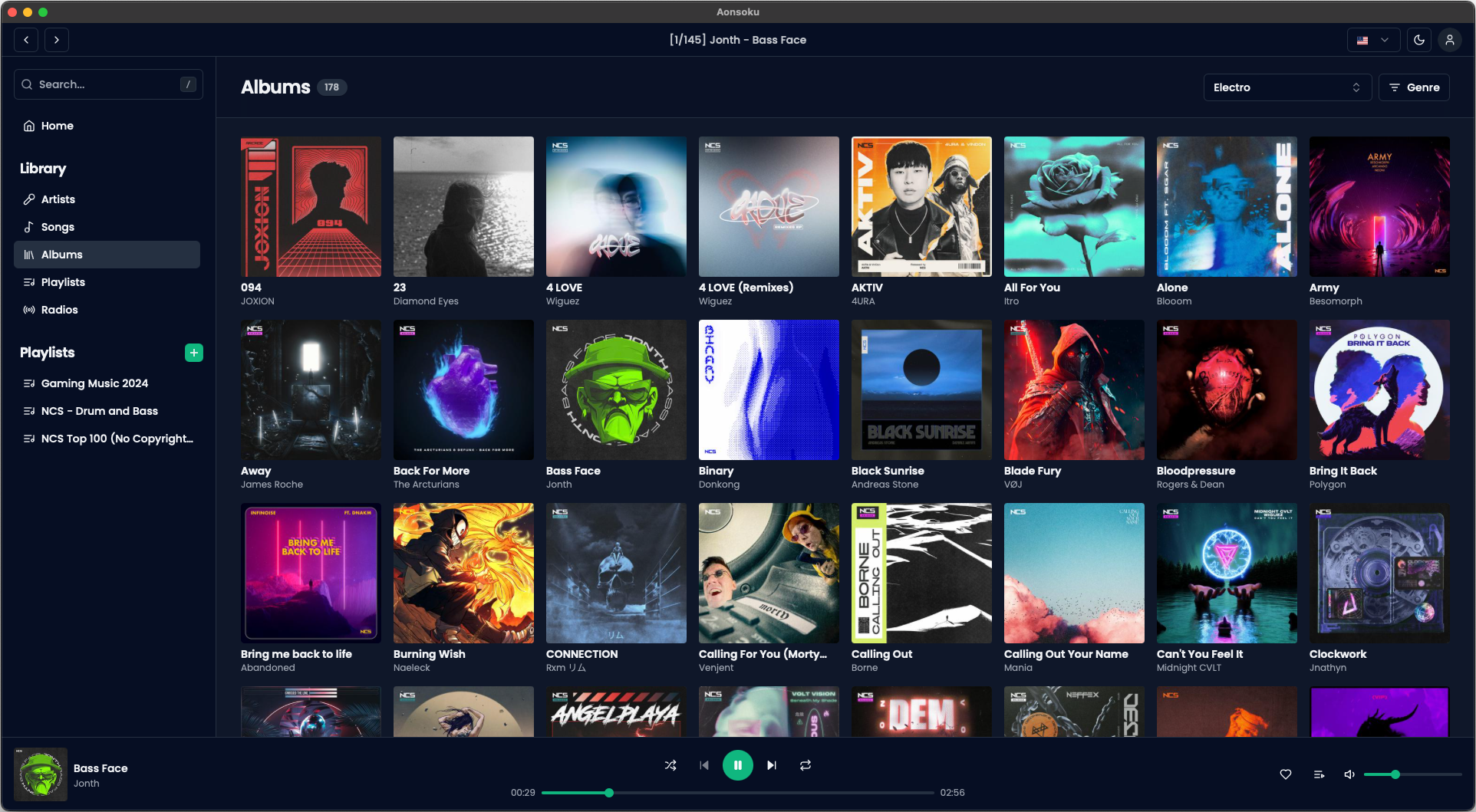
Getting Started
Prerequisites
- Node.js
- pnpm, npm or yarn
- Rust
- cargo
Installation
- Clone the repo
git clone https://github.com/victoralvesf/aonsoku.git
- Install NPM packages
pnpm install
- Install tauri-cli
cargo install tauri-cli
Running
- Web App
pnpm run dev
- Desktop App
pnpm run tauri dev
- Docker
version: '3.8'

services:
  aonsoku:
    container_name: aonsoku
    image: ghcr.io/victoralvesf/aonsoku:latest
    restart: unless-stopped
    ports:
      - 8080:8080
- Podman Quadlet
[Unit]
Description=Aonsoku Container

[Container]
ContainerName=aonsoku
Image=ghcr.io/victoralvesf/aonsoku:latest
PublishPort=8080:8080
AutoUpdate=registry

[Service]
Restart=always

[Install]
WantedBy=multi-user.target default.target
Environment Variables
Below is a table describing the environment variables that can be used in this project. Adjust them as necessary in your .env file.
| Variable | Default | Description | Required for Automatic Login |
|---|---|---|---|
PORT |
8080 |
The port the application runs on. | |
SERVER_URL |
If you want the app to access a predefined Subsonic server. Format: http://your-subsonic-server:port. |
✅ | |
HIDE_SERVER |
false |
Set to true to hide the server URL field on login and only show username and password. |
✅ |
APP_USER |
The username for automatic login. | ✅ | |
APP_PASSWORD |
The password for automatic login. | ✅ | |
APP_AUTH_TYPE |
token |
Specifies the authentication method. Options: token or password. |
|
SERVER_TYPE |
subsonic |
Specifies the server name (important for some fixes). Options: subsonic, navidrome or lms |
|
HIDE_RADIOS_SECTION |
false |
Set to true to hide the radios page from the sidebar menu. |
Notes:
- Automatic Login: To enable automatic login across devices. This should only be used in secure local environments to avoid password compromise.
- Legacy Authentication: Use
APP_AUTH_TYPE=passwordonly if your server does not support token-based authentication.
Recommended IDE Setup
Roadmap
- Downloads:
- Playlist
- Album
- Artist
- Song
- Queue page
- Playlist editor
- Synced lyrics
- Podcast support
Feel free to request more cool features here.
Contributing
Contributions are what make the open source community such an amazing place to learn, inspire, and create. Any contributions you make are greatly appreciated.
If you have a suggestion that would make this better, please fork the repo and create a pull request. You can also simply open an issue with the tag "enhancement". Don't forget to give the project a star! Thanks again!
- Fork the Project
- Create your Feature Branch (
git checkout -b feature/AmazingFeature) - Commit your Changes (
git commit -m 'Add some AmazingFeature') - Push to the Branch (
git push origin feature/AmazingFeature) - Open a Pull Request
Translation
This project uses Weblate for translations. If you'd like to help, please visit the link to submit your contribution.

License
Distributed under the MIT License. See LICENSE.txt for more information.